
How do I sell my shares?
Switch the trade panel to Sell and choose how many shares.
Open the market you hold and pick the same outcome and side (Yes or No).
Switch the panel to Sell. Tap 25%, 50% or Max, or type a number of shares. The panel shows what you receive at today’s price.
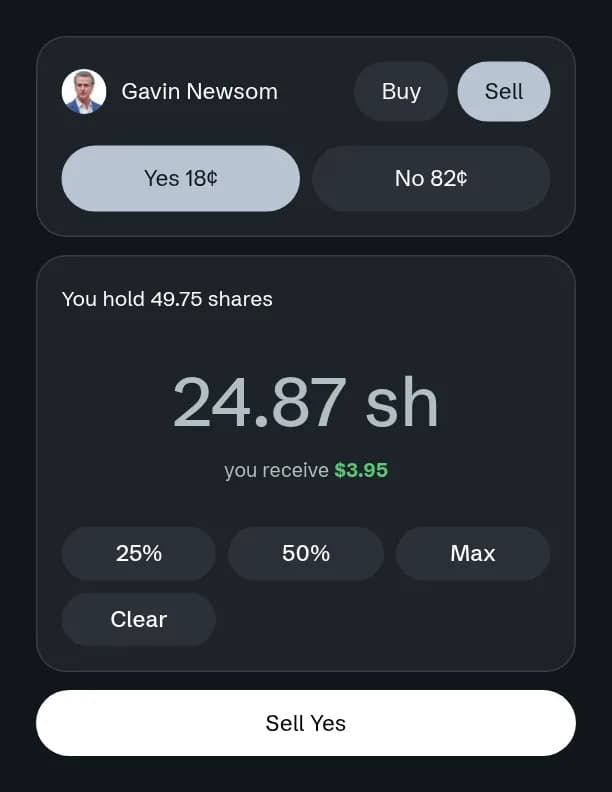
Select Sell. The cash is added to your balance straight away.