
How do I place an order?
Pick an outcome, choose Yes or No, enter an amount and buy.
Open any market and pick the outcome you want to trade.
Choose Yes or No, then enter how much to spend (or tap $5, $50, $100). The panel shows how many shares you get and what they pay if you are right.
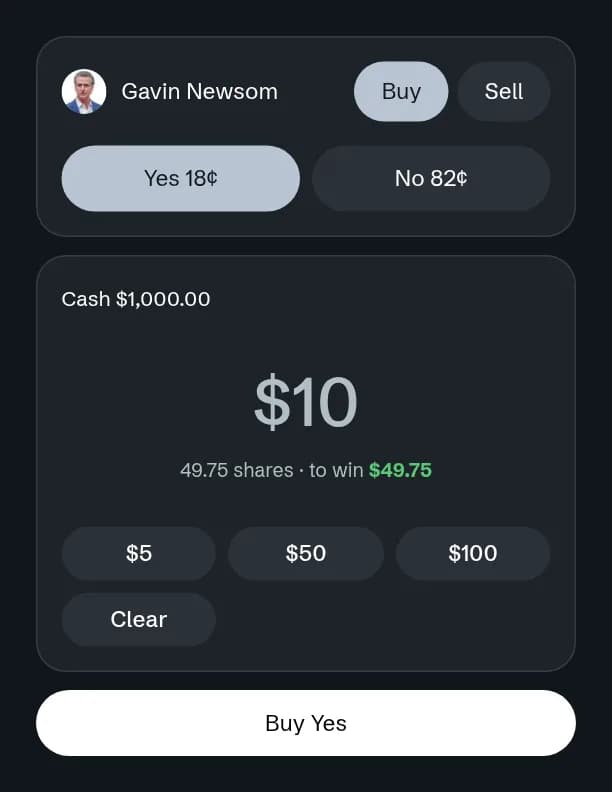
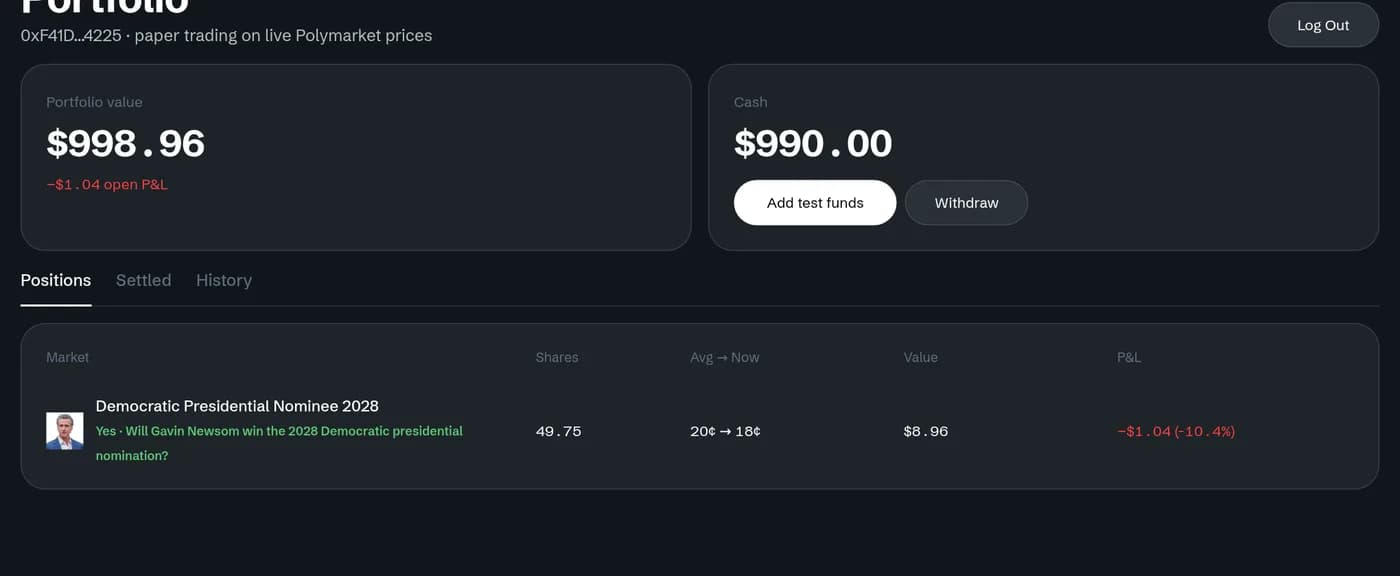
Select Buy. Your order fills at once against the live order book, and the shares appear in Portfolio.
On a phone, tap a price on the market page to open the same trade window.